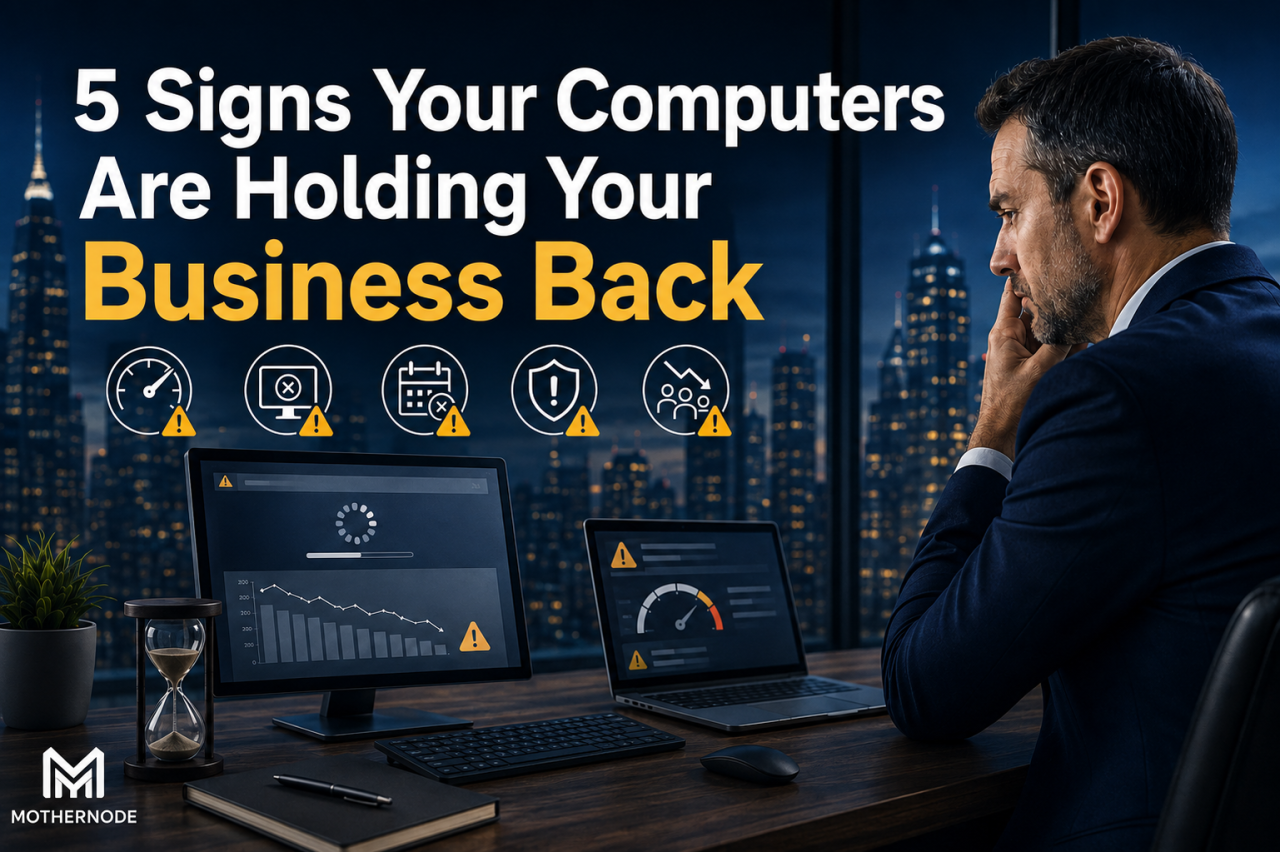
How outdated technology quietly impacts productivity, security, and growth
For many businesses, computers are viewed as simple tools employees use every day. They sit on desks, run applications, store files, and connect teams together. Because they are so familiar, it is easy to overlook how much they influence the success of an organization.
A slow computer may seem like a minor inconvenience. A few extra minutes waiting for programs to open or files to load might not feel like a major issue. But when multiplied across an entire workforce, outdated technology can become a significant business problem. Lost productivity, frustrated employees, security vulnerabilities, and missed opportunities can all stem from computers that are no longer capable of supporting modern business demands.
The challenge is that many organizations wait until computers completely fail before replacing them. By that point, the damage has already been done. Employees have lost hours dealing with slow performance, IT teams have spent unnecessary time troubleshooting problems, and business operations may have been disrupted.
Modern businesses depend on technology more than ever. Whether your team is managing customers, processing transactions, collaborating remotely, running specialized software, or protecting sensitive data, your computers play a critical role.
Here are five warning signs that your computers may be holding your business back — and why addressing these issues can improve efficiency, security, and long-term growth.
1. Employees Are Constantly Waiting for Computers to Catch Up
One of the most obvious signs that your computers are becoming a problem is slow performance.
Employees may start noticing small frustrations:
- Applications take longer to open
- Files load slowly
- Programs freeze or stop responding
- Computers take several minutes to start each morning
- Switching between applications becomes difficult
- Video meetings experience performance issues
- Web browsers slow down when multiple tabs are open
At first, employees often adapt. They restart their computers more frequently, close programs, or simply accept that things are slower than they should be.
The problem is that these small delays add up.
Imagine a team of 25 employees losing just 10 minutes per day because they are waiting on slow computers. That equals more than four hours of lost productivity every week. Over the course of a year, those small delays can represent hundreds of hours of wasted employee time.
Slow computers also affect employee morale. People expect the technology they use every day to help them work efficiently. When systems constantly create obstacles, frustration increases and employees spend more energy fighting technology instead of focusing on their actual responsibilities.
Why Computers Slow Down Over Time
Computers naturally become less efficient as business demands increase. Several factors contribute to declining performance:
Older Hardware
Processors, memory, and storage technology continue to improve. A computer that was powerful five or six years ago may struggle with today’s applications.
Increased Software Requirements
Business applications are more advanced than ever. Cloud platforms, collaboration tools, security software, accounting systems, and customer management applications require more computing resources.
Aging Storage Drives
Traditional hard drives can become slower over time. Many businesses see significant performance improvements by upgrading older systems with modern solid-state drives (SSDs).
Insufficient Memory
Modern workflows often involve running multiple applications simultaneously. Computers with limited RAM can struggle when employees multitask.
If employees regularly complain that their computers are slow, the problem may not be employee habits — it may be that the hardware is no longer appropriate for the workload.
2. Your Team Avoids Using Certain Applications Because They Are Too Slow
Technology should make work easier. When employees begin avoiding tools because they are frustrating to use, it is a major warning sign.
For example, employees may avoid:
- Running reports because they take too long
- Opening large files because applications freeze
- Using collaboration tools because performance suffers
- Updating systems because software updates slow computers down further
- Using advanced features because their machines cannot handle them
This creates an invisible productivity problem.
Your business may have invested in powerful software platforms, but outdated computers prevent employees from getting the full value from those investments.
A customer relationship management system, accounting platform, design application, or industry-specific software is only as effective as the equipment running it. If employees are limited by aging computers, the organization is not receiving the return it expected from its technology investments.
Technology Should Enable Growth — Not Limit It
Businesses constantly evolve. New software, automation tools, security requirements, and collaboration platforms are introduced every year. Companies that maintain outdated computers often find themselves unable to take advantage of new opportunities.
For example:
- A sales team may need improved customer management tools but cannot upgrade because existing computers cannot support them.
- A marketing department may want to use advanced creative software but experiences constant performance issues.
- A remote workforce may struggle because older computers cannot handle video conferencing and cloud applications effectively.
The result is a technology gap between where the business wants to go and what its equipment can support.
A modern technology environment should allow employees to work faster, collaborate better, and take advantage of new opportunities.
3. Computer Problems Are Becoming a Regular IT Support Issue
Every business experiences occasional technology problems. However, when computer issues become routine, it is often a sign that the equipment itself is reaching the end of its useful life.
Common recurring issues include:
- Frequent crashes
- Hardware failures
- Network connection problems
- Software compatibility issues
- Slow startup times
- Constant troubleshooting
- Repeated repairs
Many organizations make the mistake of continuing to repair aging computers because replacing them feels expensive. But frequent repairs can become more expensive than planned upgrades.
The Hidden Cost of Keeping Old Computers
The cost of an aging computer is not just the price of replacement parts.
Consider the full impact:
Employee Downtime
Every hour an employee spends dealing with computer problems is time they are not contributing to business operations.
IT Labor Costs
Whether you have an internal IT team or use an outsourced technology provider, troubleshooting repeated hardware problems consumes valuable resources.
Emergency Replacements
A planned computer replacement allows you to budget, prepare, and migrate data properly. A sudden failure often creates urgency, unexpected costs, and disruption.
Lost Confidence
Employees lose confidence in unreliable technology. They begin creating workarounds, saving files in multiple places, or avoiding certain workflows because they expect problems.
A proactive replacement strategy is usually far more cost-effective than waiting for failures.
4. Your Computers Create Security Risks
Security is one of the most important reasons businesses should pay attention to computer age.
Older computers are often more vulnerable because they may no longer support modern security protections. Cybercriminals constantly look for outdated systems, unpatched software, and weak security practices.
Potential security concerns include:
- Operating systems that no longer receive updates
- Unsupported hardware
- Incompatible security software
- Slow installation of security patches
- Older browsers and applications
- Weak protection against modern threats
A computer that works properly from a productivity standpoint may still represent a security risk.
Security Requires Modern Technology
Cybersecurity is not only about installing antivirus software or using strong passwords. A secure business environment requires multiple layers of protection, including:
- Updated operating systems
- Supported hardware
- Endpoint security tools
- Regular software updates
- Employee security awareness
- Data backup strategies
- Network protection
When computers become too old, maintaining these protections becomes increasingly difficult.
For businesses handling customer information, financial records, intellectual property, or sensitive company data, outdated computers can create unnecessary exposure.
Technology upgrades are not just about speed — they are also about protecting the business.
5. Your Business Is Growing, But Your Technology Has Not Kept Up
A business that grows faster than its technology infrastructure can eventually experience problems.
Growth creates new demands:
- More employees
- More customers
- More data
- More applications
- More remote work requirements
- More security concerns
Computers that worked well for a smaller organization may struggle as the business expands.
For example, a company with five employees may operate comfortably with basic computers. But as that company grows to 25 or 50 employees, the technology requirements change significantly.
Employees may need:
- Faster processing power
- More memory
- Better collaboration capabilities
- Improved reliability
- Stronger security protections
- Support for advanced software
Technology should be planned around where the business is going — not only where it is today.
How Often Should Businesses Replace Computers?
There is no single replacement schedule that works for every organization. The right timing depends on factors such as:
- Type of work employees perform
- Required software applications
- Security requirements
- Budget considerations
- Hardware reliability
- Business growth plans
Many businesses evaluate desktop and laptop replacements on a three-to-five-year cycle. Some specialized systems may last longer, while high-performance workstations may require more frequent upgrades.
The key is to avoid viewing replacement as an emergency expense.
A technology lifecycle plan allows businesses to:
- Budget for upgrades
- Replace equipment gradually
- Reduce downtime
- Improve employee productivity
- Maintain security standards
What Businesses Should Look for When Upgrading Computers
When replacing computers, organizations should focus on more than just price.
Important considerations include:
Performance
Choose systems that can comfortably handle current applications and future growth.
Reliability
Business computers should be designed for professional workloads rather than occasional personal use.
Security Features
Modern systems should support current security requirements and ongoing updates.
Employee Needs
Different roles may require different hardware. A salesperson, accountant, designer, engineer, and administrative employee may have different performance requirements.
Manageability
Businesses should consider how easily computers can be monitored, updated, secured, and supported.
The right technology investment improves efficiency across the entire organization.
Technology Should Be a Business Advantage
Computers are no longer just office equipment. They are a foundation of modern business operations.
When computers are outdated, the impact goes far beyond slower load times. They can reduce employee productivity, increase costs, create security risks, and limit your ability to grow.
The warning signs are often easy to recognize:
- Employees spend too much time waiting for computers.
- Teams avoid using important applications because performance is poor.
- IT issues are becoming frequent and expensive.
- Older systems create security concerns.
- Business growth is outpacing technology capabilities.
Recognizing these signs early gives businesses the opportunity to make improvements before problems become serious.
At Mothernode, we understand that technology should support your business goals — not stand in the way of them. A reliable, secure, and properly maintained technology environment allows employees to work efficiently and gives businesses the confidence to continue growing.
Your computers should help your team move forward. If they are slowing you down, it may be time to evaluate whether your technology is still working for your business — or against it.