A Practical Guide to Planning Your IT Future
Technology is the backbone of nearly every modern business. Computers help employees complete daily tasks, servers store critical information, networks connect teams and customers, and business applications keep operations moving. However, technology does not last forever. Hardware ages, software requirements change, security threats evolve, and outdated systems can slowly become a major obstacle to productivity.
Many businesses make the mistake of replacing technology only after something fails. A computer crashes, a server stops working, employees complain about slow systems, or a security issue forces an emergency upgrade. While reactive IT management may seem cost-effective in the short term, it often results in unexpected expenses, downtime, lost productivity, and unnecessary stress.
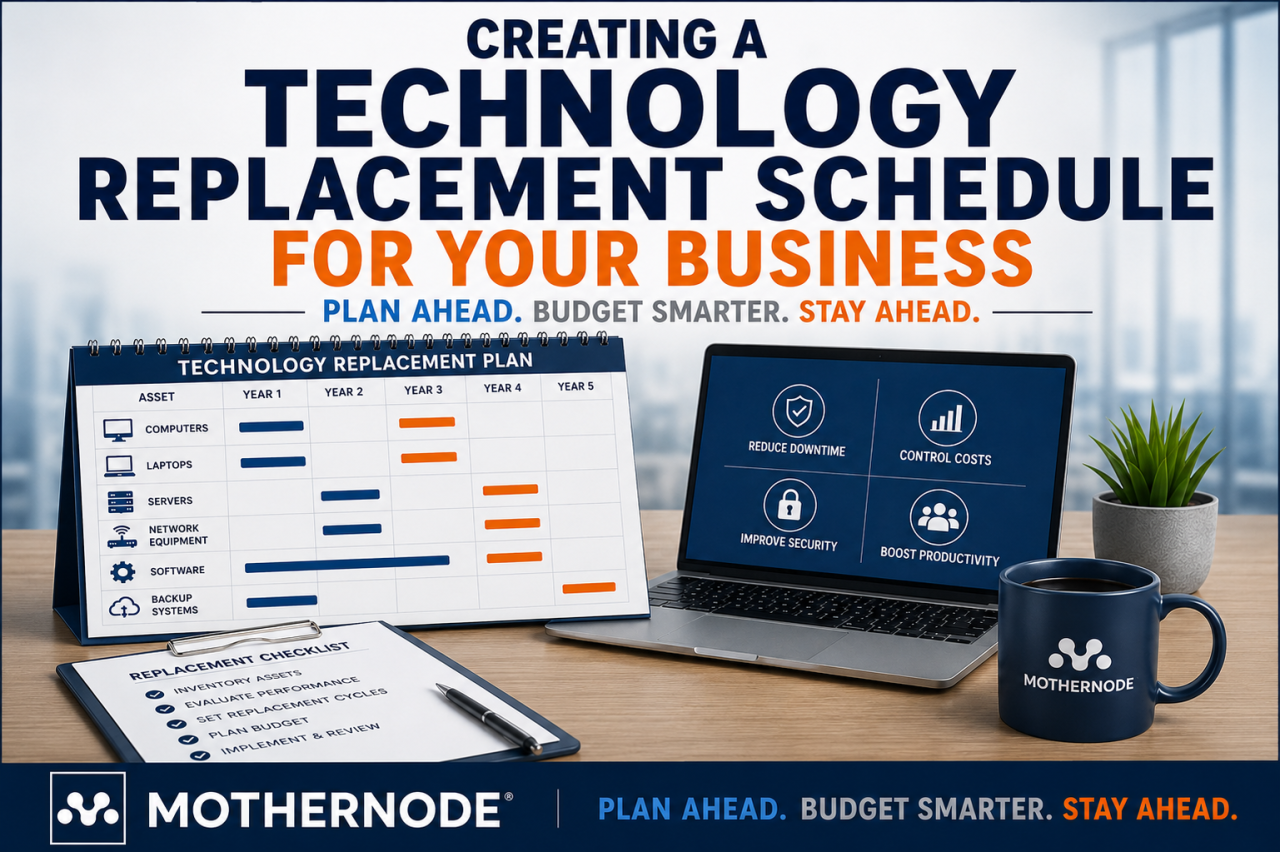
A technology replacement schedule provides a proactive approach. Instead of waiting for technology problems to disrupt your business, you create a structured plan for evaluating, budgeting, and replacing technology before it becomes a liability.
For businesses working with an IT partner like Mothernode, a replacement schedule becomes an important part of maintaining a secure, efficient, and reliable technology environment.
What Is a Technology Replacement Schedule?
A technology replacement schedule is a documented plan that outlines when business technology assets should be reviewed, upgraded, or replaced. It creates a predictable timeline for managing hardware, software, and infrastructure investments.
A replacement schedule typically includes:
- Desktop computers
- Laptops
- Servers
- Network equipment
- Firewalls
- Wireless access points
- Printers and scanners
- Business applications
- Backup systems
- Security tools
- Cloud services
Instead of asking, “When should we replace this computer?” after it begins failing, businesses can answer that question years in advance.
A good technology replacement schedule considers:
- The expected lifespan of equipment
- Business growth plans
- Security requirements
- Software compatibility
- Employee productivity needs
- Budget availability
- Industry compliance requirements
The goal is not simply to replace technology more often. The goal is to replace technology strategically.
Why Every Business Needs a Technology Replacement Plan
Many businesses underestimate how quickly technology becomes outdated. A computer that works perfectly today may become slow, unsupported, or vulnerable within a few years.
Without a replacement plan, companies often experience:
Increased Downtime
Technology failures rarely happen at convenient times. A server may fail during a busy workday. An employee’s computer may stop working before an important deadline. A network issue may prevent an entire team from accessing critical systems.
Unexpected failures create:
- Lost employee productivity
- Missed deadlines
- Customer service issues
- Emergency repair costs
- Business interruptions
A replacement schedule reduces the chances of unexpected technology failures by identifying aging equipment before it becomes a problem.
Higher Repair Costs
Older technology usually requires more maintenance. Replacement parts become harder to find, repairs take longer, and technicians spend more time troubleshooting outdated systems.
At some point, repairing old equipment becomes more expensive than replacing it.
For example:
A five-year-old business computer may require a hard drive replacement, additional memory, and troubleshooting time. Instead of investing hundreds of dollars into aging hardware, replacing it with a modern system may provide better performance and reliability.
Security Risks
One of the biggest reasons businesses need technology replacement schedules is cybersecurity.
Older technology often lacks modern security protections. Manufacturers eventually stop providing updates and support for older hardware and software.
Outdated technology can create risks such as:
- Unsupported operating systems
- Missing security patches
- Vulnerable applications
- Incompatible security tools
- Increased exposure to cyber threats
Cybersecurity is not just about installing antivirus software. It requires maintaining a modern technology environment.
Reduced Employee Productivity
Slow computers and outdated systems directly affect employees.
Common complaints include:
- Slow startup times
- Applications freezing
- Long file-loading times
- Poor video conferencing performance
- Network delays
- Compatibility problems
Employees may spend several minutes each day waiting for technology to respond. Over time, those small delays add up to significant productivity losses.
Modern technology allows employees to work faster, collaborate more effectively, and spend less time fighting their tools.
How Long Should Business Technology Last?
There is no universal replacement timeline because every business has different needs. However, common replacement cycles can provide a helpful starting point.
Desktop Computers
Typical replacement cycle:
3–5 years
Business computers generally have a useful lifespan of several years, but performance requirements continue to increase. New software, operating systems, and security tools often require more processing power over time.
Businesses should consider replacement sooner if computers experience:
- Frequent crashes
- Slow performance
- Hardware failures
- Compatibility issues
- Security limitations
Laptops
Typical replacement cycle:
3–4 years
Laptops often have shorter lifespans because they experience more physical wear.
Common laptop issues include:
- Battery degradation
- Keyboard problems
- Screen damage
- Reduced performance
- Charging issues
Businesses with mobile employees should regularly evaluate laptop performance and reliability.
Servers
Typical replacement cycle:
5–7 years
Servers are critical business systems, but they should not be left in place indefinitely.
Older servers may create:
- Performance limitations
- Increased maintenance costs
- Security concerns
- Compatibility issues with modern applications
Businesses should evaluate whether upgrading servers, moving to cloud solutions, or using hybrid infrastructure makes the most sense.
Network Equipment
Typical replacement cycle:
5–7 years
Routers, switches, firewalls, and wireless equipment play a critical role in business operations.
Aging network equipment can cause:
- Slow connections
- Poor wireless coverage
- Security weaknesses
- Reduced reliability
As businesses add more devices and cloud applications, network demands continue to increase.
Printers and Peripheral Equipment
Typical replacement cycle:
3–5 years
Printers, scanners, and other office equipment often remain in service longer than they should because they are not considered a priority.
However, outdated equipment can create:
- Maintenance expenses
- Compatibility problems
- Security risks
- Workflow interruptions
Steps to Create a Technology Replacement Schedule
Creating a replacement schedule does not have to be complicated. A structured approach can help any business develop a realistic plan.
Step 1: Create a Technology Inventory
The first step is knowing what technology your business currently owns.
Create a complete inventory that includes:
- Device type
- Manufacturer
- Model number
- Purchase date
- Warranty information
- User assignment
- Operating system
- Software installed
- Current condition
Many businesses are surprised to discover how much technology they actually manage.
An accurate inventory helps identify:
- Aging equipment
- Upcoming replacement needs
- Security concerns
- Budget requirements
Step 2: Identify Business-Critical Technology
Not every piece of technology has the same importance.
A failed employee laptop may affect one person. A failed server or firewall may affect the entire company.
Prioritize technology based on:
- Business impact
- Security importance
- Number of users affected
- Replacement difficulty
Critical systems should receive more frequent reviews and stronger replacement planning.
Step 3: Evaluate Current Performance
Age alone should not determine replacement decisions.
A three-year-old computer used for basic administrative tasks may perform well, while a two-year-old workstation used for demanding applications may already require an upgrade.
Evaluate:
- Speed
- Reliability
- User experience
- Security status
- Software compatibility
Technology decisions should support business goals, not simply follow a calendar.
Step 4: Establish Replacement Timelines
Once equipment is identified, assign replacement dates.
A simple schedule might look like:
| Technology | Replacement Timeline |
|---|---|
| Employee computers | Every 3–5 years |
| Laptops | Every 3–4 years |
| Servers | Every 5–7 years |
| Firewalls | Every 5 years |
| Network switches | Every 5–7 years |
| Wireless access points | Every 4–6 years |
| Business software review | Annually |
These timelines should be adjusted based on business needs and technology changes.
Step 5: Build Technology Costs Into Your Budget
One of the biggest advantages of a replacement schedule is predictable budgeting.
Instead of facing a surprise expense when 25 computers fail at once, businesses can plan purchases gradually.
A technology budget should include:
- Hardware replacement
- Software licensing
- Installation costs
- Migration expenses
- Security upgrades
- Training
Technology should be treated as an ongoing business investment, not an emergency expense.
Step 6: Coordinate Replacements Around Business Operations
Timing matters.
Replacing technology during a busy season can create unnecessary disruption.
Consider:
- Employee schedules
- Busy periods
- Project deadlines
- Training requirements
- Data migration needs
A good technology partner can help coordinate replacements with minimal interruption.
The Role of an IT Partner in Technology Planning
Many businesses do not have the time or expertise to manage technology lifecycles internally. This is where a trusted IT partner can provide valuable guidance.
A managed IT provider can help with:
Technology Assessments
Regular assessments identify:
- Aging equipment
- Security weaknesses
- Performance issues
- Future technology needs
Strategic Planning
Technology should support business objectives.
An IT partner can help answer questions like:
- Should we upgrade our server or move to the cloud?
- Are our computers powerful enough for future growth?
- Is our network ready for more employees?
- Are we protected against modern security threats?
Budget Forecasting
A replacement schedule allows businesses to plan technology spending instead of reacting to emergencies.
IT providers can help estimate:
- Upcoming replacement costs
- Upgrade priorities
- Long-term technology investments
Implementation Support
Replacing technology involves more than purchasing equipment.
A successful upgrade may require:
- Data migration
- Software installation
- Security configuration
- Employee setup
- Testing
Professional support ensures technology changes happen smoothly.
Common Mistakes Businesses Make With Technology Replacement
Waiting Until Equipment Fails
The biggest mistake is waiting for technology failure before taking action.
Failure-based replacement often creates rushed decisions and unnecessary downtime.
Replacing Everything at Once
Some businesses replace all technology every few years, regardless of need.
While this approach may simplify planning, it can create unnecessary expenses.
A phased replacement strategy is often more practical.
Ignoring Security Requirements
Technology decisions should always consider cybersecurity.
Replacing outdated systems is often necessary to maintain protection against modern threats.
Failing to Plan for Growth
Technology should support where your business is going, not just where it is today.
Consider:
- New employees
- Remote work
- Increased data storage
- New applications
- Business expansion
A Technology Replacement Schedule Is a Business Strategy
Technology is no longer just an operational expense. It is a critical business asset.
Companies rely on technology for communication, productivity, customer service, sales, security, and daily operations. Allowing technology to become outdated can limit growth and create unnecessary risks.
A technology replacement schedule gives businesses control over their IT environment. It transforms technology management from a reactive process into a proactive strategy.
With proper planning, businesses can:
- Reduce downtime
- Improve productivity
- Strengthen cybersecurity
- Control costs
- Support future growth
The best time to plan technology replacements is before problems occur.
A proactive technology strategy helps ensure your business always has the reliable tools it needs to compete.
Mothernode helps businesses take a proactive approach to technology management with strategic IT planning, cybersecurity guidance, and reliable support. Contact Mothernode to learn how a technology replacement schedule can help your organization stay secure, productive, and prepared for the future.