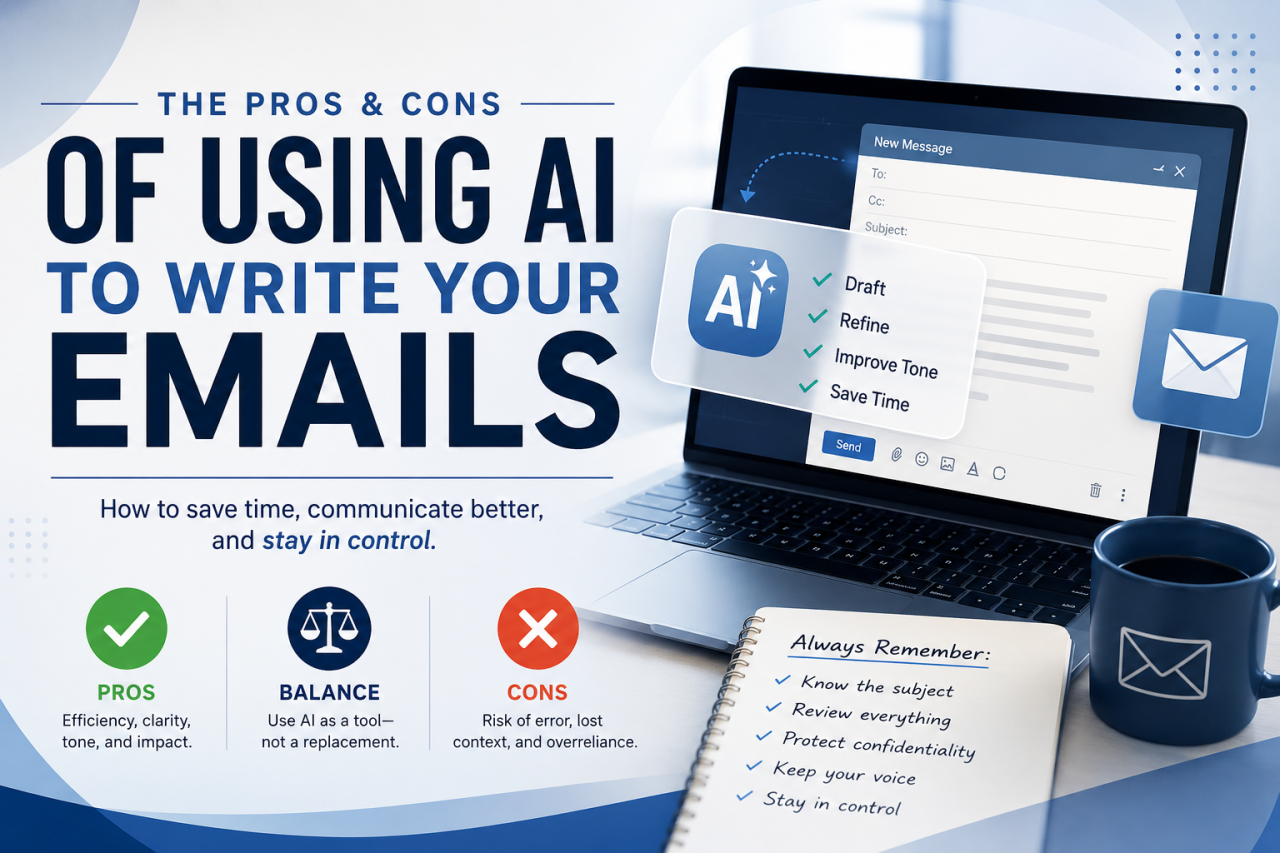
Artificial Intelligence has moved from novelty to necessity in business communication. What started as predictive text and spellcheck has evolved into systems capable of drafting entire emails, responding to complex inquiries, and even adjusting tone based on context. Tools like OpenAI ChatGPT, Google Gemini, and Microsoft Copilot are now embedded into the workflows of professionals everywhere.
For many, this has become a major productivity unlock. Instead of spending twenty minutes drafting a difficult email, AI can produce one in twenty seconds.
That sounds like a game changer—and often it is.
But like any powerful tool, AI comes with tradeoffs. Used wisely, it can improve speed, clarity, and professionalism. Used carelessly, it can create confusion, misrepresent intent, damage trust, and in some cases, create legal or business consequences.
The reality is simple:
AI should be your co-pilot, not your autopilot.
Understanding the pros and cons of AI-generated email communication is becoming an essential skill for professionals, executives, entrepreneurs, and even casual users.
This article breaks down both sides.
The Advantages of Using AI for Email Writing
1. Speed and Efficiency
This is the obvious one.
Email is one of the biggest time drains in business. According to multiple workplace studies, professionals spend several hours per day reading and writing emails.
AI compresses that time.
Instead of:
- Thinking through the structure
- Finding the right words
- Organizing your thoughts
- Revising grammar
You can simply provide:
“Write a follow-up email to a client about delayed delivery. Keep it professional but firm.”
Within seconds, you have a usable draft.
Example:
Without AI:
“Hi John, just wanted to circle back on the delivery issue. We still haven’t received the materials and it’s causing delays.”
With AI:
“Hi John, I wanted to follow up regarding the outstanding materials shipment. At this point, the delay is beginning to impact project timelines, and I’d appreciate an update on the expected delivery date so we can plan accordingly.”
Same point. Better structure. Better delivery. Faster.
That matters.
Time compounds.
Saving 10 minutes per email over 20 emails a day equals over 3 hours saved.
That’s operational efficiency.
2. Improved Professionalism
Not everyone is a strong writer.
That’s not an insult. It’s reality.
Many smart, capable people know exactly what they mean but struggle to express it clearly.
AI helps bridge that gap.
It can:
- Remove emotional overreaction
- Improve grammar
- Clarify unclear thoughts
- Organize points logically
- Refine tone
This is especially useful when writing:
- Client escalations
- Legal correspondence
- Employee discipline
- Customer support
- Negotiations
Example:
Human draft:
“I’m frustrated because this keeps happening and nobody seems to fix it.”
AI-refined:
“I want to express my concern regarding the recurring nature of this issue. We need to identify a long-term solution to prevent continued disruption.”
Same emotion.
Better execution.
That can preserve relationships.
3. Better Tone Control
Tone is hard.
Especially in email.
A sentence that sounds neutral in your head may sound aggressive to someone else.
AI can help calibrate tone:
- Softer
- More assertive
- More empathetic
- More executive
- More casual
Example:
Prompt:
“Make this sound firm but not hostile.”
That alone is incredibly valuable.
Because in business, tone is leverage.
Too soft? You lose authority.
Too hard? You create unnecessary conflict.
AI can help find the middle ground.
4. Helps Organize Complex Thoughts
Sometimes the issue isn’t writing.
It’s thinking.
You know what you want to say, but your thoughts are scattered.
AI can structure:
- Bullet points
- Timelines
- Arguments
- Responses
- Clarifications
This is especially useful in:
- Disputes
- Technical support
- Long client explanations
- Multi-point negotiations
Think of AI like a communication architect.
You bring the raw materials.
It helps build the structure.
5. Educational Value
This is one of the most underrated benefits.
AI teaches by example.
Over time, you begin to notice:
- Better sentence structure
- Better transitions
- Better diplomacy
- Better framing
If used correctly, AI doesn’t just write for you.
It improves how you write.
That’s a force multiplier.
It raises your communication ceiling.
The Risks and Downsides of AI Email Writing
This is where things get serious.
Because while AI can make you faster, it can also make you wrong faster.
And that’s dangerous.
1. Loss of Intent
This is one of the biggest problems.
AI does not know what you mean.
It only knows what you said.
That distinction matters.
If your prompt is vague, AI fills in the gaps.
Sometimes correctly.
Sometimes not.
Example:
You mean:
“We’re willing to negotiate, but not below our floor.”
AI writes:
“We remain flexible and open to all options.”
That changes leverage.
That changes negotiation.
That changes perception.
That can cost money.
Intent drift is real.
Always verify.
2. Responding Without Understanding the Subject
This is probably the most important warning.
Do not use AI to answer questions you don’t understand.
That’s reckless.
If someone sends you:
- Legal concerns
- Technical questions
- Financial discrepancies
- Contract issues
…and you feed it into AI and hit send without understanding the issue—
you’re outsourcing judgment.
That’s the danger.
AI can sound intelligent while being directionally wrong.
Not malicious.
Just misaligned.
Example:
A client asks:
“Why are labor burdens appearing twice in our cost reports?”
If you don’t understand the accounting methodology and AI invents an explanation, you may create:
- False expectations
- Liability
- Mistrust
Know the subject first.
Then use AI to refine your answer.
Not create your understanding.
That’s backwards.
3. Overdependence Weakens Communication Skills
If every email becomes:
“Write this for me…”
Eventually you stop exercising the skill yourself.
Like a calculator for writing.
That creates dependency.
And dependency creates vulnerability.
Especially when:
- AI is unavailable
- AI is wrong
- High-stakes communication requires authenticity
You still need your own voice.
Your own judgment.
Your own instincts.
4. It Can Remove Authenticity
People know you.
They know how you talk.
They know your style.
If every email suddenly sounds like a polished corporate attorney, it can feel artificial.
That matters in:
- Personal relationships
- Employee conversations
- Condolences
- Sensitive topics
Example:
AI version:
“Please accept my deepest condolences during this difficult time.”
Your version:
“I’ve been thinking about you and just wanted you to know I’m here if you need anything.”
One is polished.
One is human.
Sometimes human wins.
5. Confidentiality Risks
This is often overlooked.
If you’re pasting:
- Contracts
- Financials
- Personnel issues
- Lawsuit strategies
- Customer data
…into public AI tools, you need to understand the privacy implications.
Not every AI platform treats data the same.
Businesses should have policies.
Especially in:
- Legal
- Healthcare
- Finance
- HR
AI convenience should never override confidentiality.
Best Practices for Using AI in Email
Here’s the smart framework.
Rule #1: Know the Subject First
This is non-negotiable.
If you don’t understand what you’re replying to, don’t let AI decide for you.
AI is not a substitute for subject-matter expertise.
It is an amplifier.
It amplifies what you give it.
Garbage in, garbage out.
Rule #2: Use AI for Refinement, Not Authority
Better workflow:
Step 1: Write your rough thoughts.
Step 2: Feed them into AI.
Step 3: Ask it to improve clarity.
Example prompt:
“Here’s what I’m trying to say. Keep my meaning intact but make it clearer and more professional.”
That keeps you in control.
That’s the right model.
Rule #3: Proofread Everything
Every time.
No exceptions.
Look for:
- Incorrect assumptions
- Wrong names
- Changed meaning
- Over-softened language
- Over-aggressive framing
AI can hallucinate.
Even in email.
That’s why human review is mandatory.
Rule #4: Match the Stakes
Low stakes:
✅ Scheduling
✅ Follow-ups
✅ Thank-you emails
✅ Introductions
Medium stakes:
⚠ Client disputes
⚠ Billing questions
⚠ Policy clarification
High stakes:
🚨 Legal
🚨 HR discipline
🚨 Termination
🚨 Financial disputes
🚨 Litigation
The higher the stakes, the more human oversight required.
Simple.
Real-World Examples
Good Use Case
Scenario:
You’re upset with a vendor.
Your draft:
“This is the third time this happened and it’s unacceptable.”
AI improves:
“This is now the third occurrence of this issue, and it’s creating significant operational challenges for us. We need to understand how this will be addressed moving forward.”
Result:
Same point.
Less heat.
More leverage.
Good use.
Bad Use Case
Scenario:
A customer disputes accounting methodology.
You don’t understand the system.
You ask AI:
“Explain why this is happening.”
AI guesses.
You send it.
Customer replies:
“That’s incorrect.”
Now you look uninformed.
Credibility drops.
Bad use.
Best Use Case
Scenario:
You understand the issue fully.
You tell AI:
“Our system recognizes cost at receipt, not purchase order creation. Explain that clearly and professionally.”
Now AI is operating inside your expertise.
That’s optimal.
Fast.
Accurate.
Aligned.
Final Thoughts
AI is one of the most powerful communication tools ever created.
It can make you:
- Faster
- Clearer
- More professional
- More strategic
But it can also make you:
- Lazy
- Misguided
- Detached
- Incorrect
The difference is not the tool.
It’s the operator.
The smartest way to use AI for email is this:
Know what you mean first.
Know the subject.
Know the stakes.
Then let AI help sharpen the blade.
Don’t hand it the sword and walk away.
Because AI can draft the words—
but it cannot own the consequences.
And in business, relationships, legal matters, and leadership…
the consequences still belong to you.